
Connected Operations
Keep essential venue workflows working together.
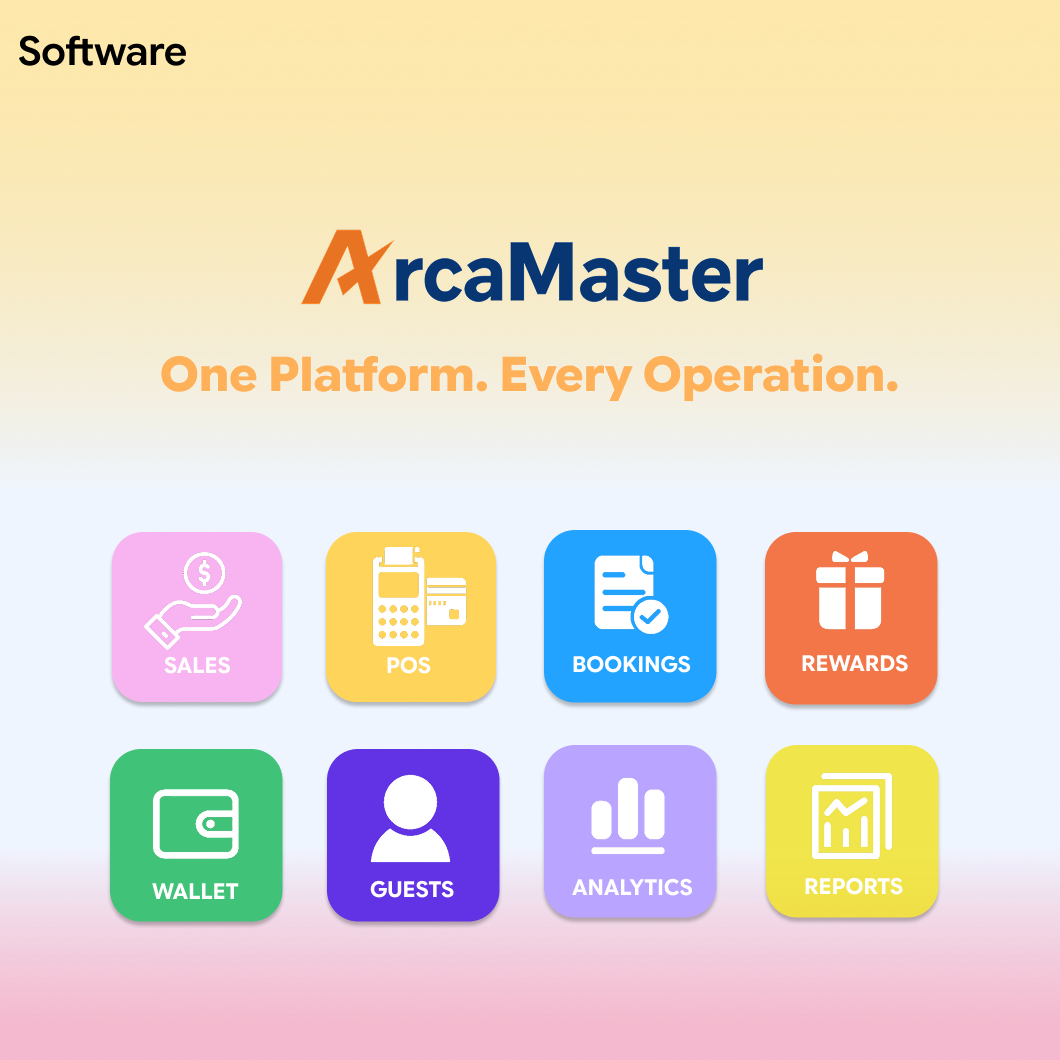
Connect sales, customer relationships, redemption, bookings, reporting and analytics in one integrated platform built for modern entertainment venues.
ArcaMaster brings your essential venue operations together, helping your team work more efficiently, serve guests more effectively and make informed business decisions.
Run your venue through one connected software ecosystem. From the first booking and point-of-sale transaction to customer engagement, prize redemption and business analysis, ArcaMaster keeps every part of your operation working together.
Keep essential venue workflows working together.
Maintain consistent information across every software module.
Support a smoother journey from booking to purchase and rewards.
Turn operational data into clearer business decisions.
Choose the capabilities your venue needs today and expand through one connected ArcaMaster ecosystem as your operation grows.

Bring tickets, game card top-ups, packages, and food & beverage sales together with integrated POS and self-service tools.
Keep counter service moving with the guest and purchase information in one place.
Manage memberships, track balances and play history, and create targeted offers that encourage guests to return.
Give returning guests a more relevant experience and teams a useful customer history.

Make prize redemption simple with points and ticket exchanges, real-time inventory tracking, and stock alerts.
Make the final reward easier for guests while keeping prize stock accurate.
Let guests book parties, activities, and play sessions online, with a connected experience from reservation to check-in.
Prepare for arrivals before guests reach the front desk.
Access customizable reports by time, machine, or customer segment, with visibility into revenue and daily operations.
Give managers a consistent record of what happened across the operating day.

Explore machine performance, guest preferences, and peak-time trends to guide decisions across your venue.
Use connected activity to inform game mix, staffing and promotion decisions.
Every ArcaMaster module works as part of one connected ecosystem. Guest activity can flow between bookings, customer records, sales, redemption, reports and analytics through shared venue data.
Connect guest interactions across bookings, purchases, memberships and rewards.
Give teams consistent access to the information they need across the venue.
Bring operational data together for clearer reporting and meaningful analysis.
Reports provide the structured records your team needs for daily management. Analytics turns connected venue data into trends, comparisons and actionable business insights.
Bring the six core software categories together with the access, payment and service workflows your venue needs.
Connect signed agreements, memberships and timed entitlements to entry validation.
Explore the workflow ↗Use CRM segments, stored value and configured offers to encourage return visits.
Explore the workflow ↗Connect package purchase, registration and recharge with compatible venue kiosks.
Explore the workflow ↗Use shared permissions and location-level reporting to support distributed operations.
Explore the workflow ↗Modules, payment options and device compatibility are confirmed for your venue configuration during project planning.
Start with the workflows you need, then confirm how the software and hardware will work together.
Review compatibility →Start by identifying the guest journey and operational priorities that matter most. The team can then confirm the required software modules, device dependencies and expansion plan.
Reports organize operational records for daily review and reconciliation. Analytics helps you interpret patterns, compare performance and plan improvements using connected venue activity.
Compatibility depends on the model, interface, payment provider and market. Share your device inventory and payment requirements so the proposed configuration can be reviewed.
Share your venue type, number of locations, current systems and the workflows you want to improve. Include any booking, membership, redemption or reporting requirements.
Discover how ArcaMaster can connect your sales, customers, bookings, redemption and business data through one integrated software platform.